See what is on hand
Keep stock items, units, suppliers and deliveries organised in one place.

Track restaurant ingredients, connect recipes to menu sales, record wastage and manage stock counts with OrdrCiti inventory software.
Setup, staff training and 24×7 support included.
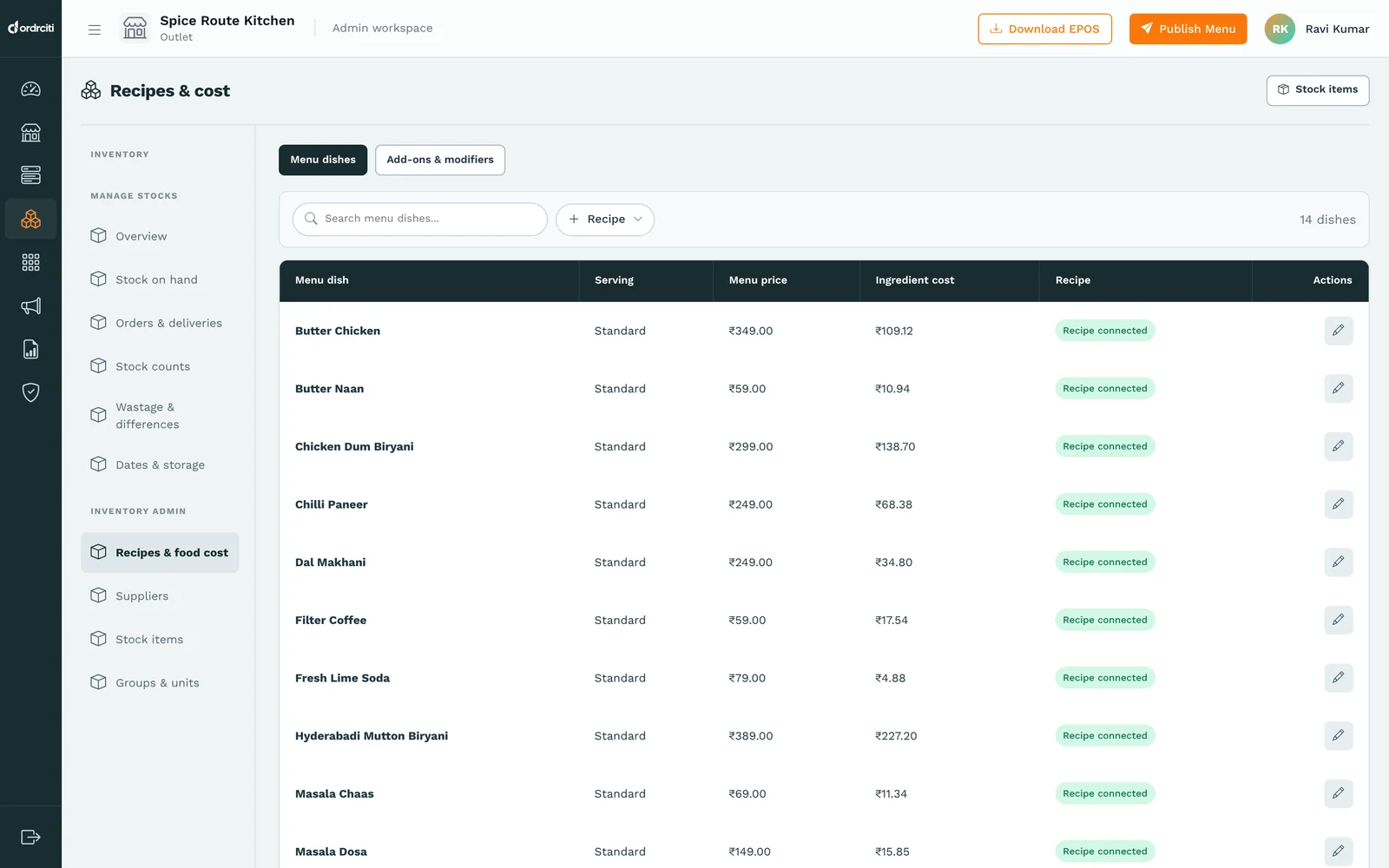
Keep stock items, units, suppliers and deliveries organised in one place.
Connect ingredient quantities to recipes and compare ingredient cost with the dish’s menu price.
Record wastage with a reason. Compare physical counts with recorded stock without automatically treating every difference as waste.
One connected workflow for the people running your restaurant.
Create ingredients, units and the quantities used in each recipe.
Record deliveries, wastage and physical stock counts as they happen.
Use recipe costs and stock differences to guide the next purchase.
Recipe usage is based on recorded menu sales and the ingredient quantities connected to each recipe.
Yes. Record the stock item, wasted quantity and reason. Wastage value uses the cost recorded with the movement.
No. A count difference compares physical stock with the recorded balance. It can be positive or negative and is not automatically a wastage record.
Yes. Stock items, suppliers, orders and deliveries are part of the inventory workflow.
Restaurant billing software for dine-in, takeaway and delivery. Manage GST invoices, offline billing, tables and kitchen order tickets from one POS.
Explore productSee restaurant sales, order sources, menu performance and outlet activity in one place. OrdrCiti reports help owners follow the day and plan ahead.
Explore productSend restaurant orders from the POS to the kitchen. Track new, cooking and ready tickets with OrdrCiti kitchen display and KOT software.
Explore productA personal walkthrough. Your questions, answered.